
2.2 KiB
Packmate
[EN | RU]
Advanced network traffic flow analyzer for A/D CTFs.
Features:
- Can monitor live traffic or analyze pcap files
- Supports binary and textual services
- Can highlight found patterns in packets
- Substring
- Regular expression
- Binary substring
- Can automatically delete streams with content that you don't need
- Can make certain streams favorite and show only favorite streams
- Supports several simultaneous services, can show streams for a specific service or pattern
- Allows navigating streams using shortcuts
- Has the option to copy packet content in various formats
- Can concatenate adjacent packets
- Can urldecode text automatically
- Can automatically decompress GZIPed HTTP
- Can automatically deflate WebSockets with permessages-deflate extension
- Can automatically decrypt TLS with RSA using given private key (like Wireshark)
- Bounded and resumable retention cleanup for long running
LIVEcaptures
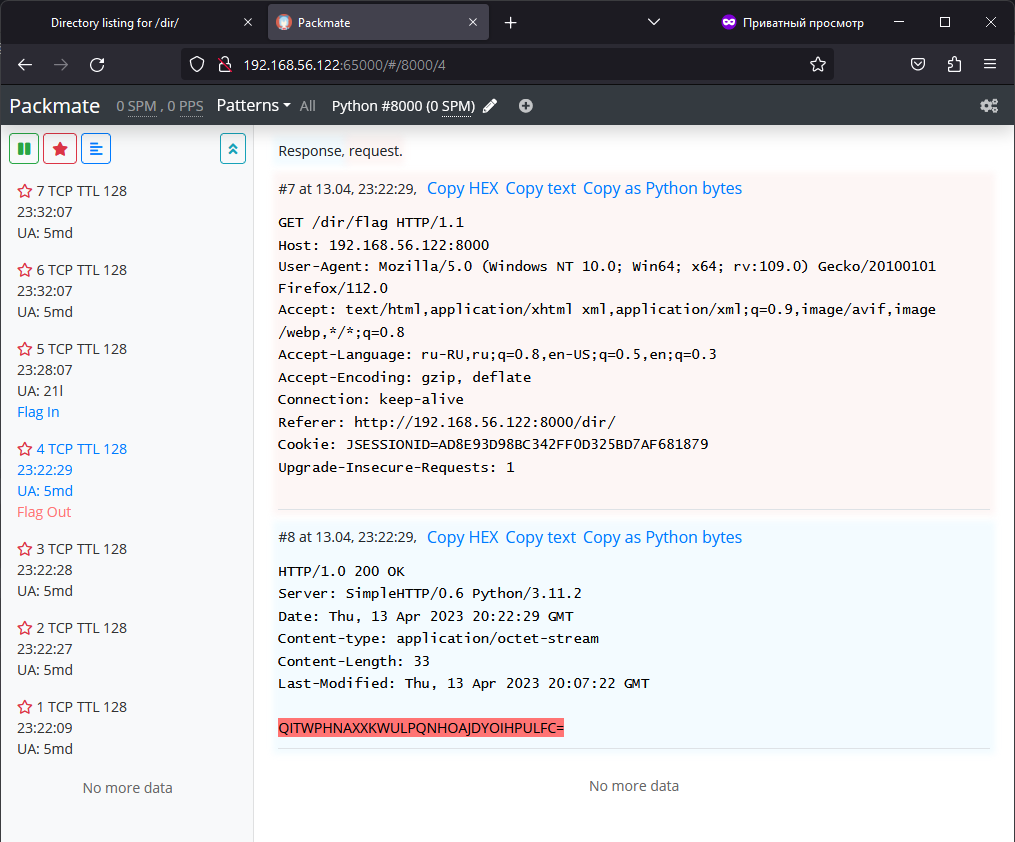
Cleanup settings and the PostgreSQL stress test are documented in docs/CLEANUP.md.
An optional MCP service provides bounded traffic/IP search, payload reads, favorites, shared service and pattern management, and historical highlighting. One token grants all tools. Setup and limits: docs/MCP.md (Russian). Client setup and agent workflow: inst.md (Russian).
Quick Start
Docker Engine and the Docker Compose plugin are required. The repository contains both backend and frontend sources, so a regular clone is enough and no git submodules are needed:
git clone https://github.com/Av0idD4rk/packmate.git
cd packmate
cp .env.example .env
${EDITOR:-nano} .env
docker compose up --build -d
For LIVE mode, set PACKMATE_INTERFACE and PACKMATE_LOCAL_IP in .env, and change the
passwords. See docs/SETUP_EN.md for all modes and settings.
If everything went fine, Packmate will be available on port 65000 from any host.
Database with listen on port 65001, but will only accept connections from localhost.
Usage
desu~